

ExactFlow Symbol Drilldown Page User Guide
The Symbol Drilldown page helps you view complete inventory, pricing, and marketplace information for a single product symbol. It gives a detailed breakdown of stock, purchase prices, listings, and verification status in one place.
How to Open the Symbol Drilldown Page
Log in to your ExactFlow account
From the left sidebar, click Sales Agent
Select Symbol Drilldown.
The Symbol Drilldown page will open.
Search for a Symbol
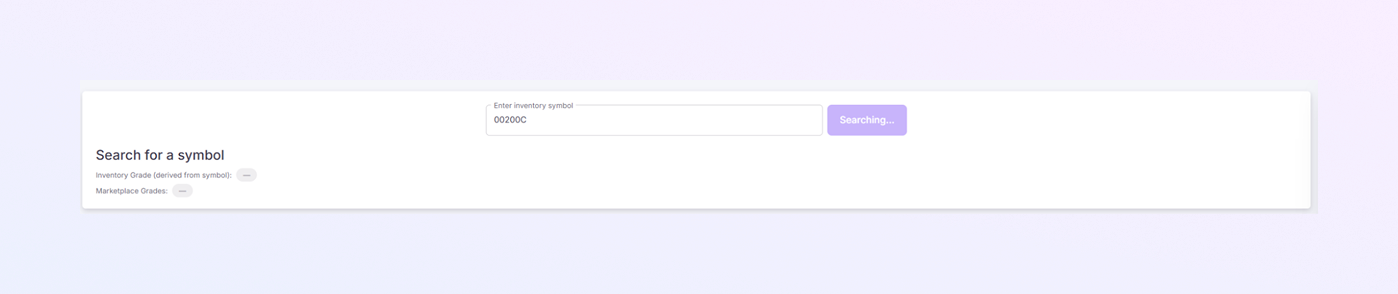
At the top of the page, you will see a search bar.
-
Enter inventory symbol: Type the product symbol.
-
Click Search to fetch data for the entered symbol.
-
Needs Attention: Number of products with spec problems that need fixing.
Inventory Grade & Marketplace Grade
Below the search section, you may see:
-
Inventory Grade (derived from symbol)
-
Marketplace Grades
These fields show grading information based on the symbol and connected marketplaces.
Inventory Information Panel
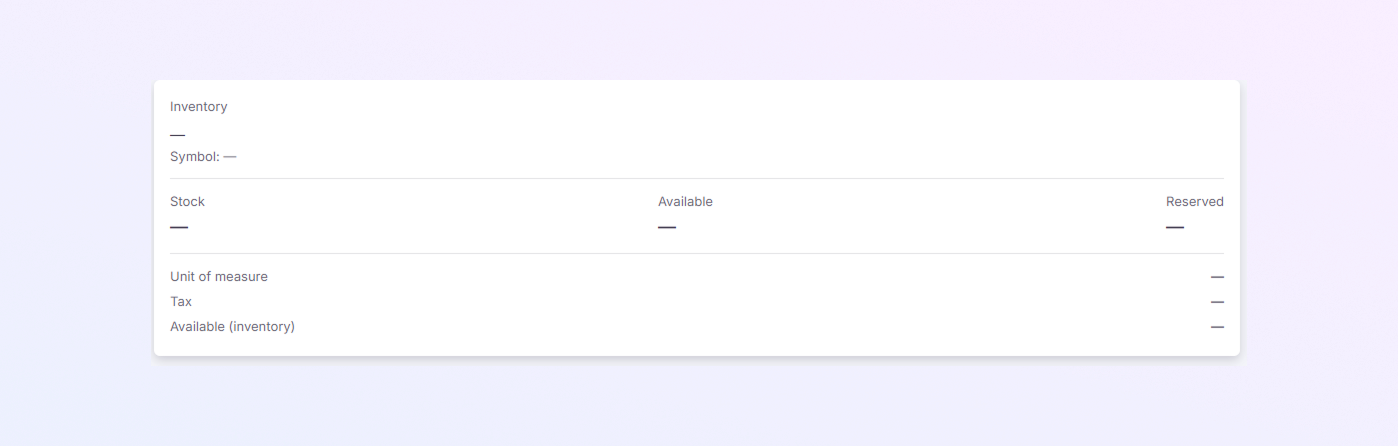
This section shows internal inventory details for the selected symbol.
-
Symbol: Product symbol (auto-filled after search)
-
Stock: Total stock available
-
Available: Stock available for sale
-
Reserved: Stock reserved for orders
-
Unit of Measure: Measurement unit (for example: pcs)
-
Tax: Applicable tax information
-
Available (Inventory): Inventory availability status
Purchase Prices Panel
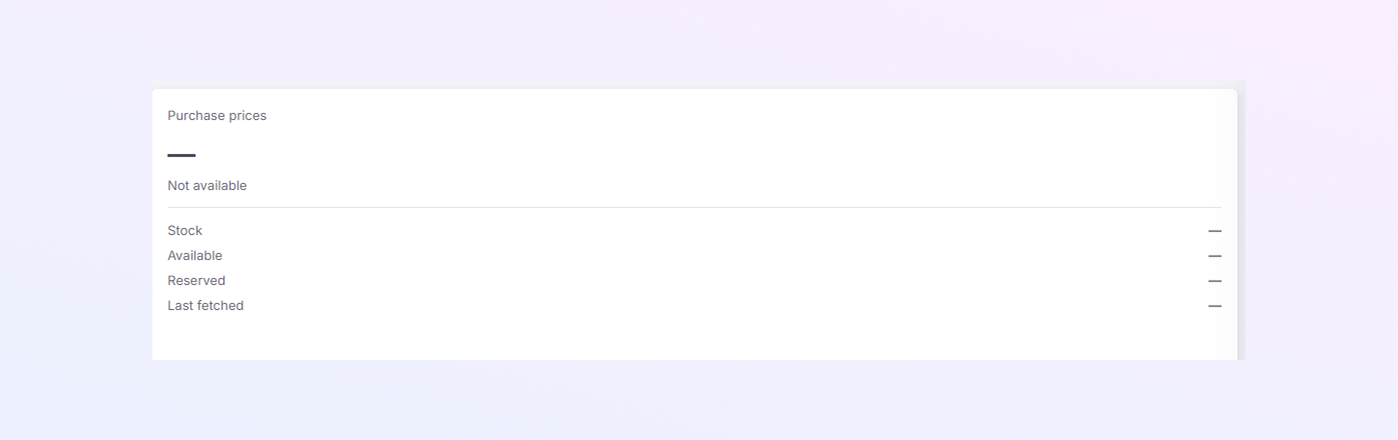
This section shows purchase price details for the symbol.
-
Stock: Quantity from purchase records
-
Available: Available purchased stock
-
Reserved: Reserved quantity
-
Last Fetched: Last time data was updated
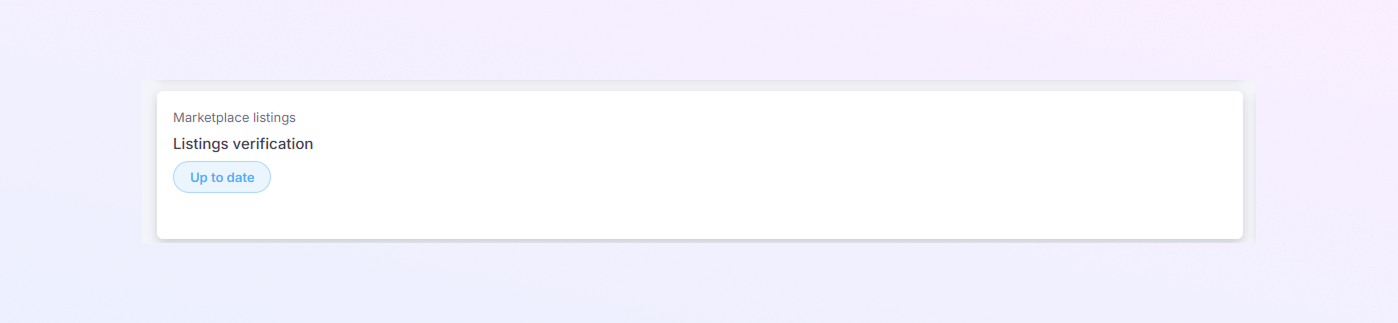
Marketplace Listings
This section shows whether marketplace listings are verified.
-
Up to date: Listings are verified and synced correctly.
This helps ensure your product listings match marketplace requirements.
Match Scores
This panel checks whether product specifications match across systems.
-
Up to date: Specifications are verified
This helps prevent listing errors due to mismatched specifications.

Purchase Price Information Table
This table shows detailed purchase-related records.
-
Row: Record number
-
Symbol: Product symbol
-
Name: Product name
-
Weighted avg. price: Average purchase price
-
Stock: Total stock
-
Available: Available quantity
-
Reserved: Reserved quantity
-
Fetched at: Date and time data was fetched

Marketplace Listings
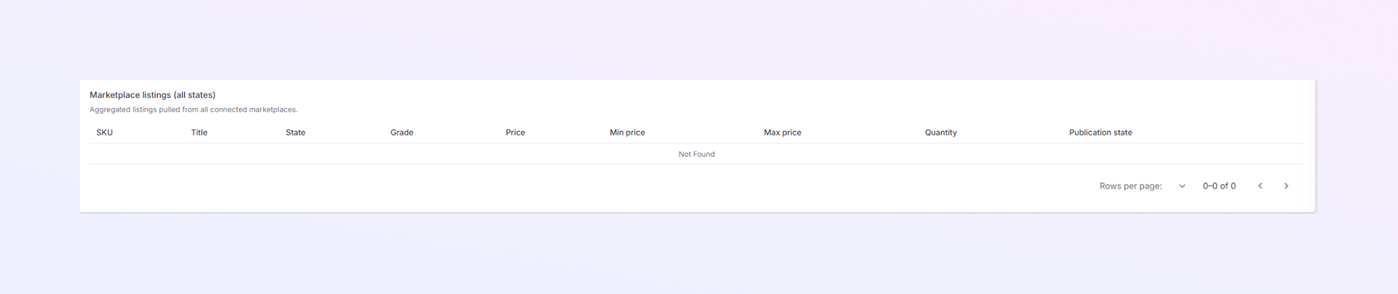
This section shows all marketplace listings linked to the symbol across connected marketplaces.
-
SKU: Marketplace SKU
-
Title: Listing title
-
State: Listing state (active, inactive, etc.)
-
Grade: Product grade
-
Price: Current selling price
-
Min price: Minimum allowed price
-
Max price: Maximum allowed price
-
Quantity: Available quantity
-
Publication state: Published or unpublished status